8 best content calendar examples and templates for 2026
Picture this: it’s Sunday night, and you’re scrambling to figure out what’s going out on Instagram tomorrow. You’ve got zero drafts ready and a growing feeling that your “strategy” is just vibes. That chaos is exactly why smart teams study content calendar examples before building their own, because copying a working system beats reinventing one from scratch every single week.

Here’s the direct answer: a content calendar is a scheduled plan showing what you’ll publish, where, and when, across blogs, email, and social media. Think of it as part editorial calendar, part content roadmap. It kills the guesswork by giving your team a single source of truth for deadlines, formats, and channels instead of scattered sticky notes and half-remembered ideas.
The struggle is real and it’s measurable. One in eight social media marketers at small businesses admit they can’t post consistently, and one in nine say they simply can’t create enough content to keep up. A calendar fixes both problems at once: it forces a publishing rhythm and gives you a visual queue that flags gaps before they become empty weeks. If you’re staring at that queue wondering what to fill it with, these inspiring blog post examples cover tutorials, case studies, and roundups worth stealing for your own lineup.
This roundup walks through eight real calendar setups, from simple spreadsheet templates to full project management boards, so you can see how other teams actually plan content without hiring a full-time coordinator. Some are built for solo creators juggling one platform. Others scale to agencies running dozens of client accounts at once. Either way, you’ll walk away with a format you can copy today instead of starting from a blank grid.
TL;DR: Content calendar examples help you organize and schedule your publishing workflow across blogs, social media, and email. The best options for 2026 range from simple Google Sheets and Notion databases to automated SEO platforms like Seobase, ensuring consistent publishing and better team alignment.
1. Seobase automated content calendar
The only option that actually writes the posts it schedules.
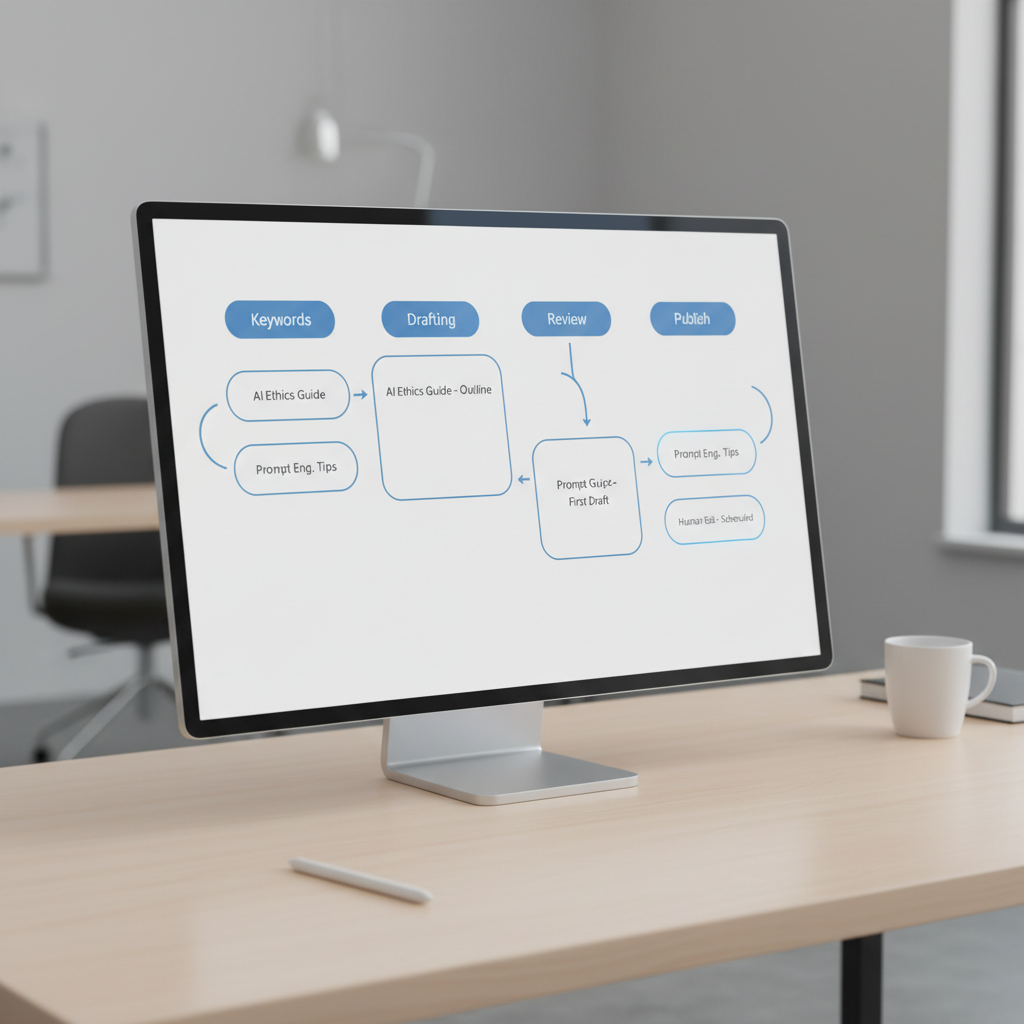
Why spend weeks mapping out a strategy when you can automate the research and the drafting in one go? Seobase handles the heavy lifting by finding keywords and building a publishing schedule that connects directly to your site. It is a full-stack production line rather than just a place to store dates.
Best for: Agencies scaling organic traffic without hiring a massive writing team.
Key features
- Automated keyword research that identifies gaps and builds a topical map.
- Direct CMS publishing for platforms like WordPress, Webflow, Shopify, Framer, Wix, and Ghost.
- AI article writing with a built-in editor and approval workflow.
- Visual assets through AI image generation and YouTube video embeds.
Pros
- ✅ Eliminates the gap between planning a topic and hitting publish.
- ✅ Removes the need to manually copy-paste drafts from a doc to a CMS.
- ✅ Handles multilingual content creation for global reach.
Cons
- ⚠️ Requires a strict review process to ensure AI tone matches brand voice.
- ⚠️ Less flexibility for non-SEO content (like purely social updates).
How agencies use it
- Connect the client’s website to the platform to analyze current rankings.
- Generate a keyword-backed plan to fill content gaps.
- Use the review mode to polish AI drafts before they go live.
- Set up Google Search Console monitoring to track how the automated posts perform in search.
How it compares
Unlike Notion or Airtable, which are empty shells you have to build yourself, this is a purpose-built engine. It beats Buffer for long-form SEO but lacks the granular social media scheduling depth of Sprout Social.
Pricing
Check the pricing page for current tiers and available automation credits.
Verdict
Choose this if your primary goal is ranking on Google and you are tired of managing freelancers. Skip it if you only need a simple visual calendar for social media posts.
2. Notion content calendar templates
Notion turns your editorial plan into a living database rather than a flat list. It replaces rigid cells with modular pages, meaning every single entry in your calendar can hold a full brief, a draft, and a checklist. Best for: Teams that want a single source of truth for both high-level planning and deep-dive production.
Key features
- Linked databases that let you view the same set of posts as a calendar, a Kanban board, or a gallery.
- Related collections to connect a specific piece of content to a larger campaign or a client profile.
- Custom properties to track status, priority, and assigned writers using multi-select tags.
- Template buttons that generate a standardized layout for every new post with one click.
Pros
- ✅ Total flexibility to build a custom workspace without writing code.
- ✅ Centralizes assets and research inside the calendar entry.
- ✅ Powerful filtering to show only “In Progress” or “Needs Review” tasks.
Cons
- ⚠️ Steeper learning curve than a basic spreadsheet.
- ⚠️ No native automated publishing to social platforms.
How agencies use it
- Create a master database and apply a calendar view to map out the month.
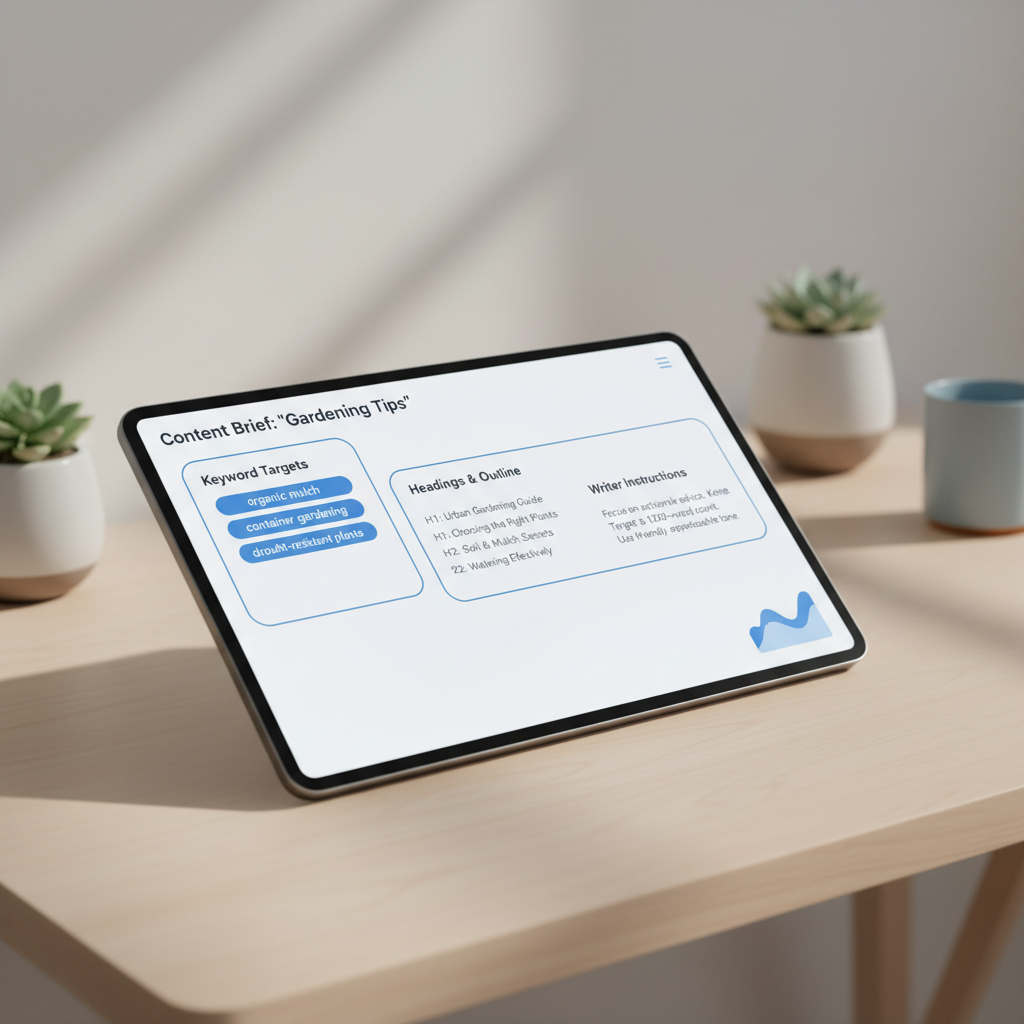
- Build a “Content Brief” template that includes sections for a Free Content Brief Generator for SEO output and target keywords.
- Tag each entry with a platform (e.g., LinkedIn, Blog, Instagram) to filter views for different specialists.
- Drag and drop cards across a board to move a post from “Drafting” to “Approved.”
One detail operators will notice is that Notion does not have a dedicated “date range” view in the standard calendar; you have to use the Timeline view to see how long a production cycle actually takes.
How it compares
It offers more structural depth than Google Sheets but lacks the specialized social media automation found in Metricool or Buffer.
Pricing
The basic version is free for individuals, while professional plans for teams start around $8 per user per month. You should double check their current plans for the latest feature limits.
Verdict
Choose Notion if you manage complex content ecosystems that require detailed documentation. Skip it if you just need a quick way to schedule a few tweets a week.
3. Google Sheets social media calendar template
Google Sheets is the default choice for teams that need a flexible, zero-cost grid to map out their posts. It strips away the complexity of project management software in favor of a simple table where you can track dates, captions, and status updates.
Best for: Small teams or freelancers managing 1-3 clients with simple posting schedules.
Key features
- Customizable columns to track specific data like character counts, hashtags, and image assets.
- Conditional formatting to color-code post statuses (e.g., “Draft” in yellow, “Approved” in green).
- Real-time collaboration that allows multiple users to edit a cell simultaneously.
- Data validation via dropdown menus to keep category and platform labels consistent.
Pros
- ✅ Completely free for anyone with a Google account.
- ✅ Zero learning curve for people already familiar with spreadsheets.
- ✅ Total control over the layout without being forced into a specific software workflow.
Cons
- ⚠️ No native scheduling capability, meaning you still have to manually post or use a third-party tool.
- ⚠️ Becomes sluggish and difficult to navigate once you hit thousands of rows.
How agencies use it
- Build a master sheet with columns for the publish date, platform, copy, and asset link.
- Use a free content idea generator to fill the pipeline with topics.
- Share the sheet with the client via a Google Workspace link for quick feedback.
- Mark a checkbox column once the post is live to track completion.
One detail a regular user will notice is that the filter views feature is essential here. It lets you filter the list to see only “Instagram” posts without changing what other team members see on their screens.
How it compares
It lacks the automation of Seobase and the database power of Airtable, but it is faster to set up than Asana.
Pricing
It is free for personal use, though businesses may pay for Google Workspace plans starting around $6/user/month for added storage and admin controls.
Verdict
Choose this if you want a digital whiteboard that requires no setup time. Skip it if you need to actually push posts to social platforms directly from your calendar.
4. Asana social media calendar
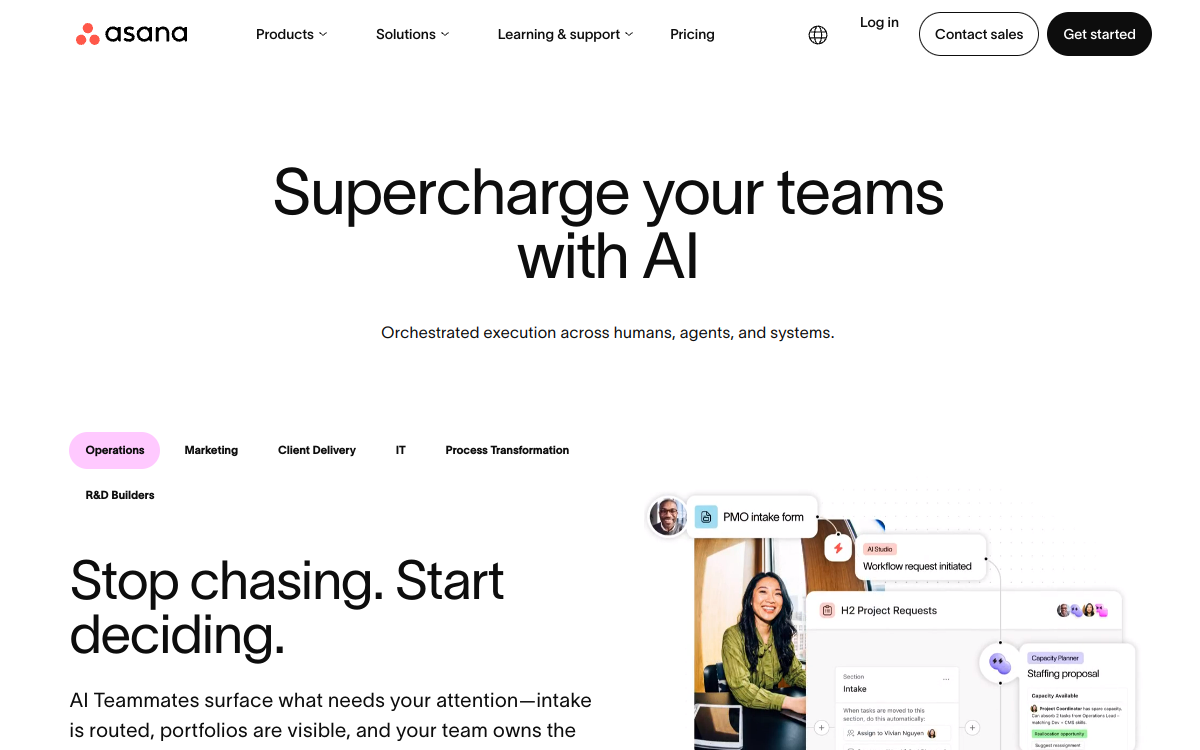
Asana turns a static schedule into a living project where every post is a trackable task. It is the bridge between a high level strategy and the actual grunt work of production. Best for: Agencies managing complex, multi-person approval chains for high volume accounts.
Key features
- Custom Fields: Add dropdowns for “Platform” (Instagram, LinkedIn, X) or “Content Pillar” to filter your view instantly.
- Multi-homing: Place one task in both the “Client A Social Calendar” and a “Global Q4 Campaign” project without duplicating it.
- Calendar View: A drag and drop interface that lets you shift a post date by simply moving the card.
- Proofing: Leave specific, pinned comments on uploaded image assets to avoid vague feedback.
Pros
- ✅ Keeps copy, hashtags, and creative files in one thread.
- ✅ Clear ownership with assigned due dates and dependencies.
- ✅ Robust recommended apps integrations to sync with Slack or Google Drive.
Cons
- ⚠️ No native social posting; you still need a scheduler to push the content live.
- ⚠️ The interface feels cluttered when a project exceeds 100 active tasks.
How agencies use it
- Create a project using a calendar template and add custom fields for “Approval Status” and “Content Type.”
- Assign a writer to draft the copy and a designer to attach the visual asset to the same task.
- Tag the account manager for a final review, moving the status from “In Progress” to “Approved.”
- Export the final dates to a third party scheduler for distribution.
One quirk operators notice is that the Calendar View only shows the task name, so you have to name your tasks “Platform | Hook” (e.g., “IG | 5 Tips for SEO”) to see what is actually happening without clicking into every card.
How it compares
It offers far more project management depth than Google Sheets, though it lacks the database power of Airtable. Unlike Buffer, it manages the creation process rather than the distribution process.
Pricing
Premium features start around $10.99 per user per month. Double check their current plans for the latest seat minimums.
Verdict
Choose this if your biggest bottleneck is “who is doing what” and you have a team of three or more. Skip it if you are a solo creator who just needs a simple place to list post ideas.
5. Airtable content operations database
If you need to track how a single piece of pillar content splits into ten social posts, a flat sheet won’t cut it. Airtable acts as a relational database that looks like a spreadsheet, letting you link records across different tables. Consistency is built on structured planning.
| Item | Best For | Starting Price | Key Integrations | Standout |
|---|---|---|---|---|
| 1. seobase automated content calendar | SEO Automation | See pricing page | WordPress, Webflow | AI-driven research |
| 2. notion content calendar templates | Knowledge Management | Free | Slack, GitHub | All-in-one wiki |
| 3. google sheets social media calendar template | Simple Lists | Free | Google Ecosystem | Universal access |
| 4. asana social media calendar | Team Task Tracking | Free | Adobe Creative Cloud | Workflow dependencies |
| 🏆 5. airtable content operations database | Complex Asset Mapping | Free | Zapier, Make | Relational data |
| 6. buffer blog content planner | Simple Scheduling | Free | LinkedIn, X | Queue management |
| 7. sprout social publishing schedule | Enterprise Social | See pricing page | Salesforce, Shopify | Deep social analytics |
| 8. metricool visual planner | Visual Grid Planning | Free | Instagram, TikTok | Visual preview |
You can toggle between a Grid view for data entry, a Kanban board for moving drafts through approval, and a Calendar view to visualize your publishing dates. This flexibility means your writer sees a list of tasks while your manager sees a monthly roadmap.
The Free plan covers basic needs, but the Team plan starts around $20 per seat per month to unlock more records and advanced permissions. Use this if you manage a high volume of media assets and need to track the exact status of every image and caption.
6. Buffer blog content planner
Buffer built its scheduling tool around a simple idea: your blog post is the anchor, and every social push should orbit around it. Instead of treating Twitter, LinkedIn, and Instagram as separate to-do lists, Buffer’s planner ties each post’s promotion window to the actual publish date, so a Tuesday blog drop about “email deliverability tips” automatically queues up a launch-day tweet, a mid-week LinkedIn recap, and a weekend Instagram carousel pulling the best stat from the piece. That’s the workflow high-output editorial teams have used for years, just packaged for anyone.
Pricing starts at $6 per channel per month, which makes it one of the cheaper ways to test a real publishing rhythm without committing to a full social media marketing suite. You pay per channel, not per seat, so a solo blogger running three accounts pays roughly $18 a month while an agency juggling twenty client profiles scales the cost accordingly.
Where Buffer earns its spot here isn’t fancy analytics. It’s the discipline of forcing you to schedule social content against a fixed editorial date instead of posting whenever you remember. If your blog publishes twice a week, Buffer’s queue view shows exactly which posts still need a promotional push and which ones already got their three scheduled shares, so nothing falls through the cracks.
7. Sprout social publishing schedule
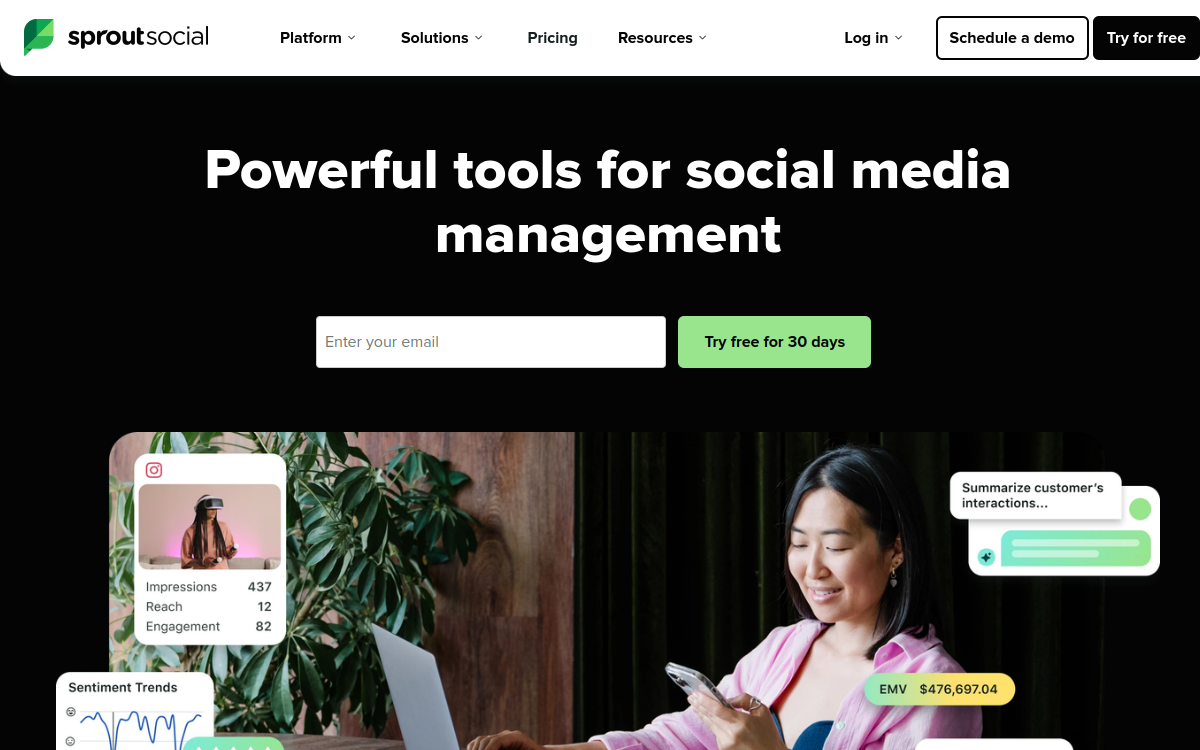
Sprout Social is a heavy hitter designed for corporate marketing teams that cannot afford a single unapproved post going live. It trades the simplicity of a basic planner for a rigid, audit-ready system that tracks every change. Best for: Mid-market to enterprise agencies managing high-stakes brand reputations.
Key features
- Approval Workflows: Custom paths where a junior writer submits a post and a manager must sign off before it hits the queue.
- Unified Smart Inbox: A single stream that pulls in mentions and messages from all connected profiles.
- ViralPost Technology: An algorithm that analyzes follower activity to suggest the exact minute to post for maximum reach.
- Asset Library: A centralized hub for storing approved brand images and videos to keep visual consistency.
Pros
- ✅ Deep reporting that turns raw data into client-ready PDF decks.
- ✅ Granular permission levels to prevent interns from accidentally deleting a profile.
- ✅ Superior listening tools to track industry keywords across the web.
Cons
- ⚠️ The cost scales aggressively as you add more team members.
- ⚠️ Steep learning curve for users moving from a simple calendar template.
How agencies use it
- Upload a month of social media content into the shared asset library for team access.
- Map out the media calendar using the visual drag-and-drop interface.
- Route each post through a specific approval chain to ensure legal and brand compliance.
- Export the monthly performance report to show the client the direct correlation between posting times and engagement.
A practitioner will notice that the reporting suite is built for executives, meaning you can generate a high-level summary without manually scrubbing data in a spreadsheet.
How it compares
It offers far more governance and analytics than Buffer, but it lacks the flexible, database-style customization found in Airtable.
Pricing
Plans typically start around $199 per user per month. You should confirm the latest seat pricing on their site as enterprise tiers vary.
Verdict
Choose this if you manage a large team and need a “paper trail” for every post. Skip it if you are a solo creator or a small agency, as the price tag is overkill for simple scheduling.
8. Metricool visual planner
Metricool is a centralized hub for scheduling and tracking social media posts through a drag and drop interface. You can map out your entire month of posts by sliding content blocks across a visual grid, which removes the need for a separate social media calendar template in a spreadsheet. It handles auto publishing across multiple networks, so you don’t have to manually upload files to every single platform.
The tool combines a visual planner with deep analytics in one view. You can see exactly which posts drove the most clicks or followers without switching tabs. This makes it easy to spot a winning post on Tuesday and immediately duplicate it for Friday. It functions more like a dedicated project management tool for your feed than a simple scheduler.
Pricing options fit different budget levels:
| Plan | Cost | Best For |
|---|---|---|
| Free | $0 | Single brand accounts |
| Starter | ~$18/month | Growing creators |
| Advanced | Custom | Agencies with many clients |
Stick with the Free tier to test the dashboard, but move to a paid plan if you need to manage more than one brand. The $18 entry point is fair for the amount of automation you get. Check out metricool.com to sync your accounts.
Choose the right calendar to streamline your publishing workflow
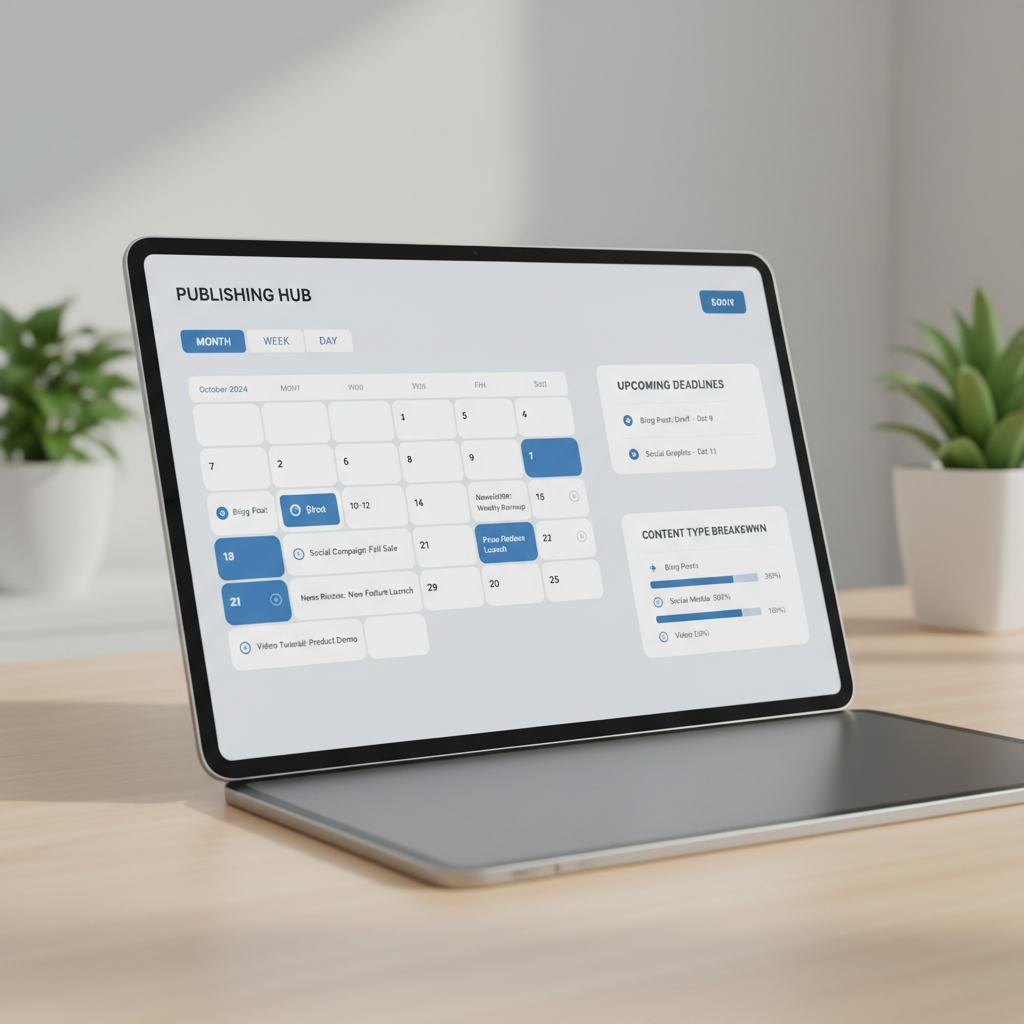
Here’s the short version: match the tool to your team size and how often you publish, not the other way around. A solo blogger posting twice a month needs something different than a 12-person marketing team juggling five channels and a daily posting cadence.
- If you’re a solo creator or small team publishing weekly, pick a simple calendar template in Google Sheets or Notion. No login fees, no learning curve.
- If you’re coordinating social media content across three or more platforms, choose a dedicated social media calendar tool like Later or Buffer that shows post previews by channel.
- If your team spans content, design, and dev, and you need dependencies tracked, choose a project management platform like Asana or ClickUp that doubles as your content roadmap.
- If you’re publishing daily and drowning in draft versions, an automated editorial calendar with built-in status tracking (draft, review, scheduled, live) will save more time than any manual spreadsheet ever could.
- If you just need to see all your content calendar examples in one place before committing, our free template is the right call. It’s built for exactly this test-drive phase, not for running a 50-person newsroom.
Pair whichever tool you pick with consistent tracking. A media calendar only works if someone updates it the same day content ships. Grab a template, drop in next week’s posts, and see if the workflow sticks before you invest in anything heavier.
Frequently asked questions
What is the difference between a content calendar and an editorial calendar?
An editorial calendar typically focuses on high-level strategy, publication dates, and themes for long-form content like blogs or magazines, whereas a content calendar tracks tactical, day-to-day publishing across social media, emails, and multi-format assets.
What essential columns should every content calendar include?
Every robust calendar should include core properties like Publish Date, Platform, Content Title or Topic, Current Status, Author or Owner, and a direct link to your creative assets and drafts.
Should I use a spreadsheet or a project management tool for my content calendar?
Google Sheets or Excel work well for simplicity and quick setup. However, tools like Notion, Asana, or Airtable offer relational databases, filtered views, and cross-functional collaboration that scale better as your team grows.
How far in advance should I plan my content calendar?
It is best to outline high-level campaign themes on a monthly or quarterly framework, while maintaining a rolling 2-to-4 week window for specific social posts, asset production, and final reviews.
What is a content calendar template?
A content calendar template is a pre-formatted framework in a spreadsheet or software tool that helps marketers organize, schedule, and track their upcoming publishing activities across multiple channels.
How do I create a content calendar in Google Sheets?
To build one in Google Sheets, create columns for date, time, channel, content title, status, and link. Use conditional formatting to color-code different content types or publishing stages for easy visual tracking.
What should be included in a social media content calendar?
Your social media calendar should include posting dates, exact copy, visual assets or image links, hashtags, target platform, campaign tags, and the current approval status of each post.
How do I manage multi-channel content without getting overwhelmed?
Centralize your planning in a single database tool or integrated platform like Seobase, use clear status tags, and repurpose long-form pieces into bite-sized updates across your distribution channels.
Put this on autopilot
Seobase runs the whole loop for you: it finds the keywords worth ranking for, writes and publishes the articles, and reports back from Search Console on what actually moved.
Start a free Seobase workflowIn this guide
- 1. Seobase automated content calendar
- 2. Notion content calendar templates
- 3. Google Sheets social media calendar template
- 4. Asana social media calendar
- 5. Airtable content operations database
- 6. Buffer blog content planner
- 7. Sprout social publishing schedule
- 8. Metricool visual planner
- Choose the right calendar to streamline your publishing workflow