Seo workflow and task management: how to stop chaos and scale output
A structured SEO workflow and task management system turns chaotic spreadsheets and ad-hoc fixes into a predictable organic growth engine. Instead of losing track of keyword notes or letting site errors pile up, teams use structured workflows to connect daily tasks directly to organic traffic and revenue goals.
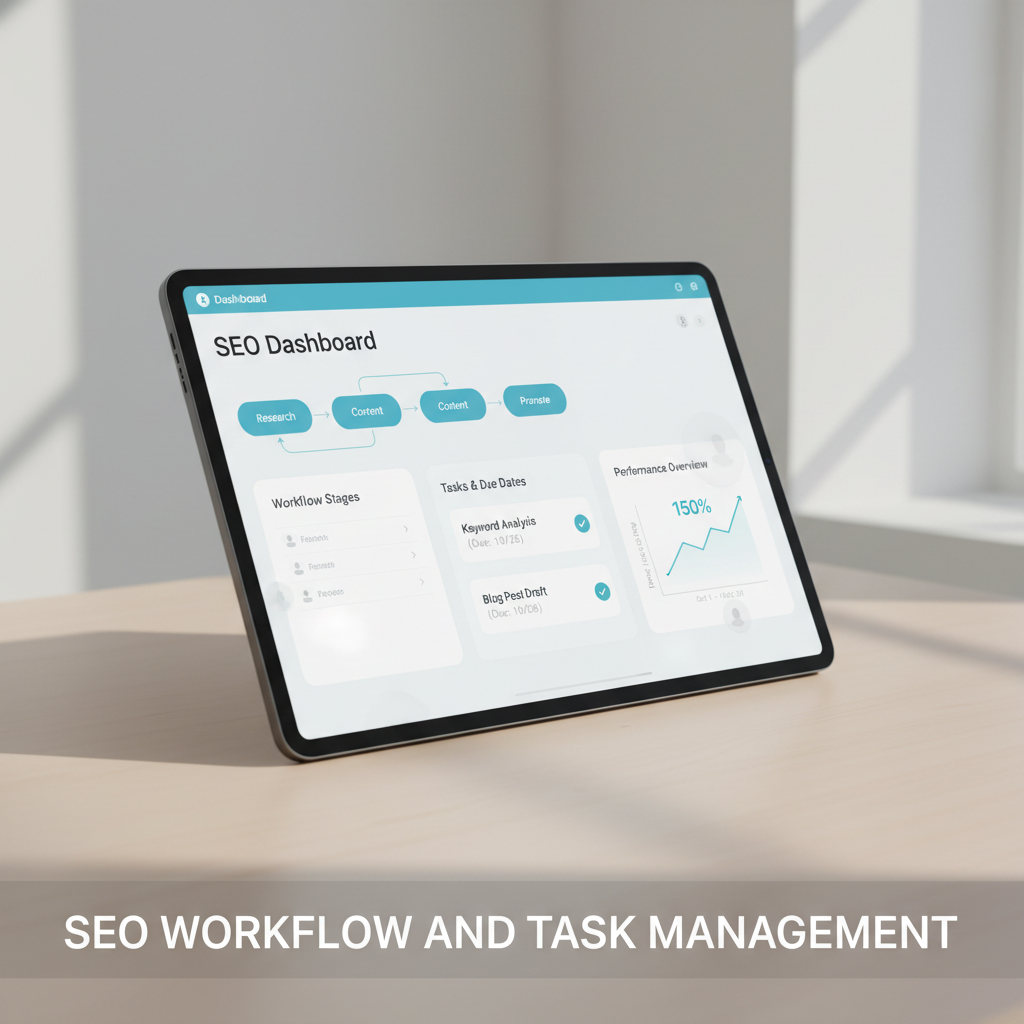
Spreadsheets work well for one-time data analysis, but they fail during sprint execution. When teams track site audits in static grids, status columns go stale within 48 hours. You end up with a backlog of half-finished tasks, like unassigned 301 redirects or orphan keyword lists that never become live URLs.
Sustainable traffic growth requires pipeline management over manual cell updates. A structured system lets you map a clear SEO roadmap where every ticket targets a specific intent. Instead of assigning a vague task to “improve rankings,” you give writers and developers specific jobs, such as updating a 55-character title tag or fixing a canonical loop.
Dedicated SEO project management software organizes operations across three core pillars:
- Visibility: Teams track every asset across drafts, staging reviews, and technical indexing audits.
- Accountability: Every ticket assigns a single owner, clear inputs, and a hard deadline.
- Repeatability: Standard operating procedures ensure the same optimization standard across 10 or 1,000 pages.
Systematizing your workflow removes the guesswork behind traffic swings. You know which optimization lever moved a page from position 14 to position 3 on the SERP.
TL;DR: Structured SEO workflow and task management replaces static spreadsheets with automated audit triggers, impact-based backlog scoring, and staging quality gates to scale organic search output efficiently.
On this page
- Bridging automated audit triggers and manual tasks
- Designing cross-functional handoff protocols
- Prioritizing optimization items with a value matrix
- Evaluating built-in task managers versus general tools
- Automating your execution pipeline with Seobase
- Executing your next optimization sprint
- Frequently asked questions
- What is an seo task manager?
- Why use dedicated seo project management software instead of spreadsheets?
- How do automated task generators work?
- Can general project management tools support seo workflows?
- How do I coordinate writers and developers in an seo workflow?
- What is the benefit of value-based task prioritization?
Bridging automated audit triggers and manual tasks

Connecting crawler audits directly to task managers like Jira or Asana eliminates manual error exports. Set up webhooks or automated triggers to generate a dev ticket the moment a crawler detects an HTTP 404 status code, missing schema markup, or a broken canonical tag. This automation cuts the delay between issue detection and resolution.
Tracking progress with health scores
Site health scores give engineering and marketing teams a shared benchmark. Run scheduled weekly crawls to generate a technical health score out of 100. Track this metric across 14-day optimization sprints to evaluate technical fixes objectively.
Resolving crawl errors, server latency spikes, and Core Web Vitals issues raises your overall score. This metric keeps the team focused on resolving high-severity errors first.
Balancing bots and brains
Automation flags structural defects, while strategists assess user intent. Crawlers easily flag thin word counts or slow LCP times over 2.5 seconds. However, a human strategist must determine whether a page requires fresh data, new subtopics, or a complete rewrite.
Structure weekly sprints around this split:
- Automated tasks: Resolve HTTP 301 redirect chains, generate missing alt text, update XML sitemaps, and fix broken internal links.
- Manual tasks: Build content briefs, conduct SERP competitive analysis, refresh old copy, and run backlink outreach.
If an automated scan flags a high bounce rate on a commercial landing page, the script creates the ticket. The strategist then decides whether to update the main call-to-action or align the headers with search intent.
Designing cross-functional handoff protocols
Handoff breakdowns stall search operations. When an SEO analyst drops a keyword list into Slack without context, writers guess at search intent and developers miss redirect requirements. Standard operating procedures (SOPs) eliminate this confusion by defining required inputs, asset owners, and staging criteria.
Write the SOP once, run it forever
Document the exact requirements for every recurring task. A content brief SOP must include target keywords, primary search intent, target URL slugs, internal link targets, and competitor word count ranges.
Writers must also flag dead external citations and check primary keywords before submission. Automated platforms keep briefs, drafts, and technical criteria inside a unified interface, as outlined in this guide on building a search engine that compounds.
Put a gate before publish, not after
Bottlenecks occur when strategists review drafts after engineering schedules the CMS push. Instead, insert review gates earlier in the pipeline:
- Editorial review: Strategists verify intent alignment, header hierarchy (H1 to H3), and keyword placement in the staging draft.
- Technical pre-flight check: Developers confirm meta titles (under 60 characters), meta descriptions (under 155 characters), canonical URLs, and mobile responsiveness.
Placing verification gates before publication prevents indexing errors and broken redirects before they affect your live rankings.
Prioritizing optimization items with a value matrix
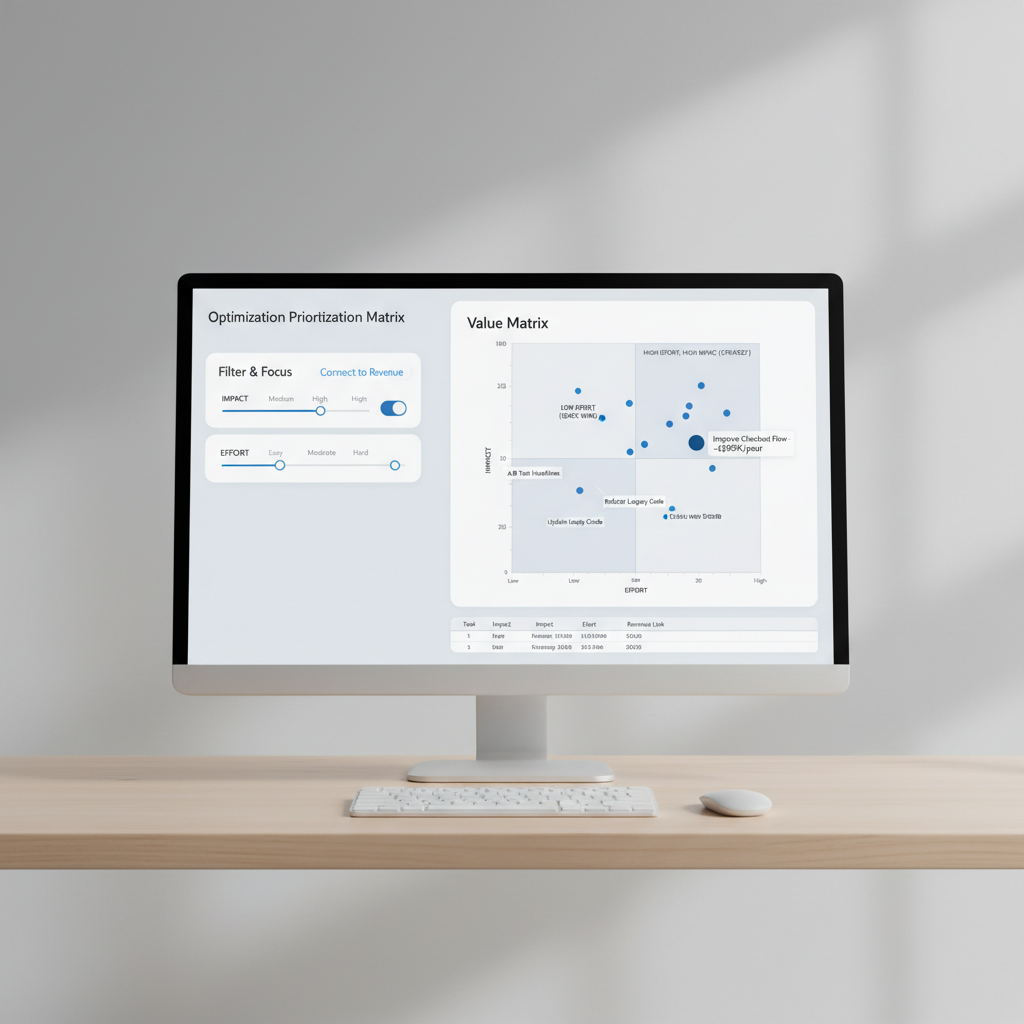
Site audits often return thousands of low-level notices. An impact-versus-effort matrix filters out low-value items so your team focuses on tasks that drive organic impressions and conversions.
Filter by impact and effort
Plot all identified tasks on two axes: expected organic traffic gain versus engineering and editorial hours required.
High-impact, low-effort tasks go to the top of the queue. For instance, updating metadata on a page ranking in position 5 takes 10 minutes and yields fast click-through gains. In contrast, restructuring an entire URL directory requires extensive developer resources and complex redirect mapping.
Connect tasks to revenue
Tie optimization tasks to conversion value rather than raw traffic volume alone. If an audit flags 20 lost backlinks pointing to a commercial product page, reclaiming those URLs directly protects conversion pipelines.
Estimate the revenue impact by multiplying search volume, target position click-through rates, and average conversion values. Presenting an issue as a clear financial forecast makes it much easier to secure engineering resources for technical fixes.
Managing the queue
Score and categorize backlog items using four distinct quadrants:
- High Impact / Low Effort: Immediate execution in the current sprint.
- High Impact / High Effort: Roadmap for dedicated quarterly engineering sprints.
- Low Impact / Low Effort: Batch together for fill-in tasks during slow cycles.
- Low Impact / High Effort: Remove from the backlog entirely.
This scoring model prevents teams from wasting sprint capacity on minor fixes that do not move search rankings.
Evaluating built-in task managers versus general tools
General project tools like Trello, Basecamp, or Monday.com track work through standard status columns. However, generic boards lack integrations with search engine index APIs and SERP trackers.
The gap in general tools
Standard tools cannot tell if an updated page indexed successfully or if target keywords moved after an update. Team members must manually check Google Search Console or rank tracking software, copy the metrics, and paste them into task comments.
This manual workflow wastes hours across large sites. Tracking 100 URL updates across disparate tools creates data silos and delays performance analysis.
Why a dedicated seo task manager wins
Dedicated SEO task management software links tickets directly to live URLs, keyword queries, and crawler health metrics. When a high-value URL drops out of top SERP positions, the software triggers an alert and generates an investigation ticket automatically.
Teams track rank movements directly alongside active editorial assignments. This connection transforms static checklists into responsive performance dashboards.
Specialized features vs. standard boards
| Feature | General Project Tools | Dedicated SEO Software |
|---|---|---|
| Primary Data Source | Manual user inputs | Live crawler and SERP APIs |
| Automation Triggers | Due dates or board moves | Position drops, 404 spikes, indexing errors |
| Asset Context | Plain text comments | Live URLs, keywords, and Core Web Vitals |
| Performance Tracking | Manual check-ins | Automated rank and crawl tracking |
Dedicated SEO software reduces administrative overhead for teams managing enterprise domains or large multi-client portfolios.
Automating your execution pipeline with Seobase
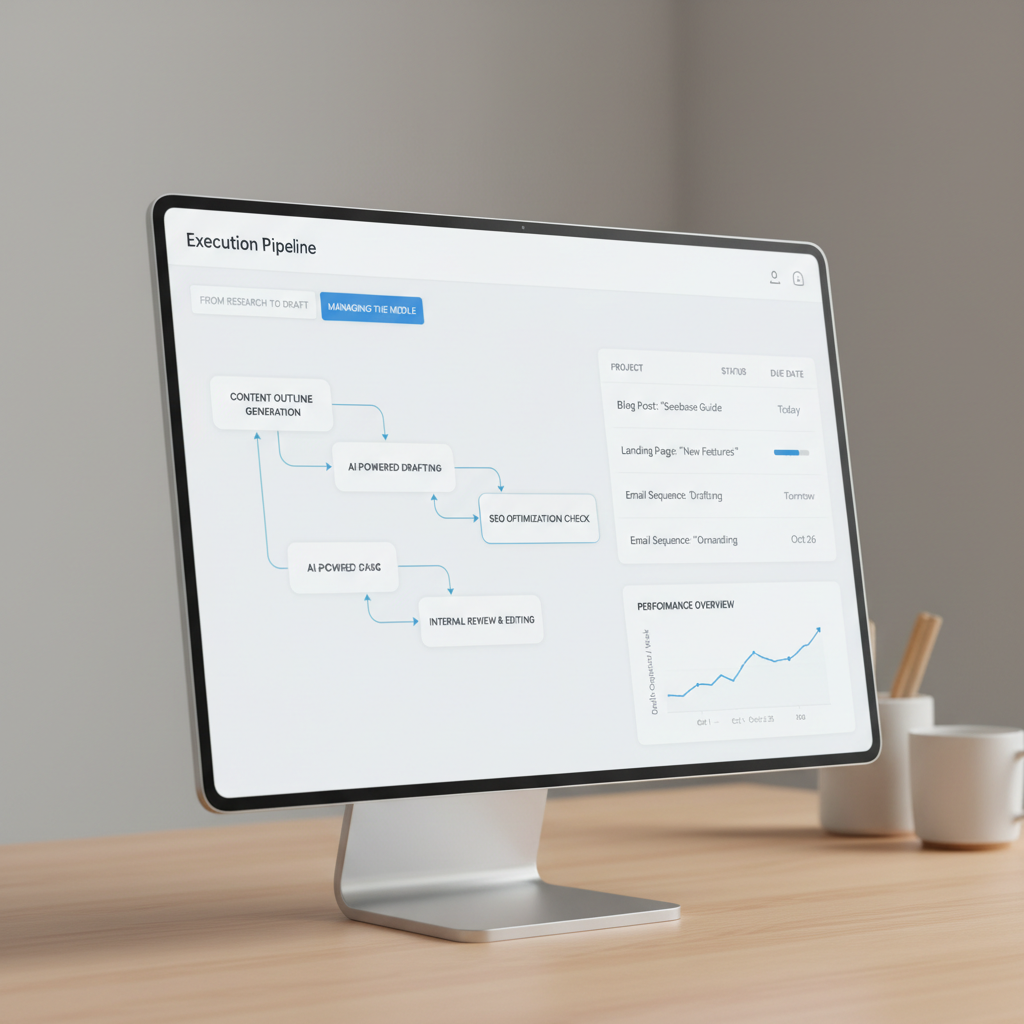
Seobase consolidates keyword research, content briefs, drafting, and CMS publishing into a single operational interface.
From research to draft
Start by identifying high-value keyword clusters and search intent profiles. Turn those keyword groups into a comprehensive editorial calendar directly inside the platform.
The integrated workspace generates structured content drafts targeting your selected search terms. This direct handoff eliminates delays between identifying a keyword gap and producing the initial draft.
Managing the middle
Review cycles and rank tracking often slow down execution. Seobase combines draft editing, review approvals, and SERP position monitoring in one interface.
Key pipeline capabilities include:
- Keyword Discovery: Group queries by search intent and monthly search volume.
- Content Generation: Produce initial drafts based on target SERP parameters.
- Review Mode: Edit copy, insert YouTube embeds, and generate contextual AI images.
- Rank Monitoring: Track desktop and mobile SERP positions over time.
One-click publishing
Manual copy-pasting into a CMS introduces formatting errors and broken tags. Seobase pushes completed, approved articles directly to WordPress, Webflow, Shopify, Ghost, Framer, and Wix.
Automated CMS syncing handles HTML formatting and image uploads directly, cutting production time per article.
Executing your next optimization sprint
Consolidate fragmented tasks, spreadsheets, and reporting dashboards into an integrated optimization pipeline.
Build a repeatable system
Pair automated crawler alerts with clear resolution playbooks. When an alert flags lost backlinks, team members should follow a set SOP to check redirect targets, evaluate page status, and conduct outreach.
Standardized operating procedures keep teams focused on proactive optimizations rather than reactive firefighting.
Launch your first automated flow
Connect your site audit tool directly to your task management board using these steps:
- Connect your site audit crawler to your project workspace.
- Configure webhook rules to generate tasks for critical crawl errors (e.g., 5xx server errors or indexation blocks).
- Route technical tickets to developers and metadata tasks to content managers.
- Schedule 14-day sprint reviews to clear the resolved queue and track site health trends.
This automated pipeline eliminates manual error reporting and keeps your task queue aligned with current site data.
Your next move
Audit your current task management workflow to identify friction points. If your team spends more time updating spreadsheet columns than shipping live URL optimizations, switch to a centralized system. Centralizing your research, production, and technical tracking accelerates publishing and protects organic rank stability.
Frequently asked questions
What is an seo task manager?
An SEO task manager is a dedicated software platform that links content and technical tickets directly to live search engine data, such as SERP positions, organic traffic metrics, and technical crawl health scores.
Why use dedicated seo project management software instead of spreadsheets?
Spreadsheets require constant manual data entry and lack live connections to search engines. Dedicated tools automate task creation based on real-time ranking changes, crawl errors, and indexing updates.
How do automated task generators work?
Automated task generators use scheduled crawlers and API triggers to monitor website performance. When the system detects missing tags, 404 errors, or ranking drops, it generates an assigned ticket for the appropriate team member automatically.
Can general project management tools support seo workflows?
General project management platforms like Asana, Jira, and Trello track timelines and task stages effectively. However, they require manual data entry or third-party API integrations to display ranking metrics and technical audit scores.
How do I coordinate writers and developers in an seo workflow?
Establish documented standard operating procedures (SOPs), comprehensive content briefs, and staging review gates. Strategists approve search intent and metadata before developers push final drafts to the live CMS.
What is the benefit of value-based task prioritization?
Value-based prioritization scores optimization tickets by estimated traffic and revenue gains against required implementation effort. This ensures teams resolve high-ROI fixes before tackling time-consuming, low-impact tasks.
Put this on autopilot
Seobase runs the whole loop for you: it finds the keywords worth ranking for, writes and publishes the articles, and reports back from Search Console on what actually moved.
Start a free Seobase workflowIn this guide
- Bridging automated audit triggers and manual tasks
- Designing cross-functional handoff protocols
- Prioritizing optimization items with a value matrix
- Evaluating built-in task managers versus general tools
- Automating your execution pipeline with Seobase
- Executing your next optimization sprint
- Frequently asked questions