8 best SEO tools for b2b in 2026 to scale SaaS visibility
Picture a SaaS marketing team burning hours on keywords that never turn into a single demo request. That’s the trap generic tools set for B2B teams: big traffic numbers, zero closed deals. Solid seo tools for b2b hunt down the low-volume, high-intent searches actual buyers type, then tie that specific search intent to pipeline revenue instead of vanity clicks.
This roundup breaks down eight tools built for enterprise and SaaS teams chasing real b2b customers, not just rankings. One of them works like a game-changing b2b solution, pairing sharper keyword research with backlink data your sales team can actually use. For the mechanics behind turning that content into compounding organic growth, this guide on building an AI-driven SEO engine pairs well with what’s ahead.
TL;DR: The best SEO tools for B2B combine traditional backlink analysis from Ahrefs or Semrush with automated content platforms like Seobase. This hybrid stack targets low-volume high-intent keywords, manages technical site hygiene, and connects organic search visibility directly to enterprise pipeline revenue.
1. Ahrefs for enterprise backlink tracking and authority
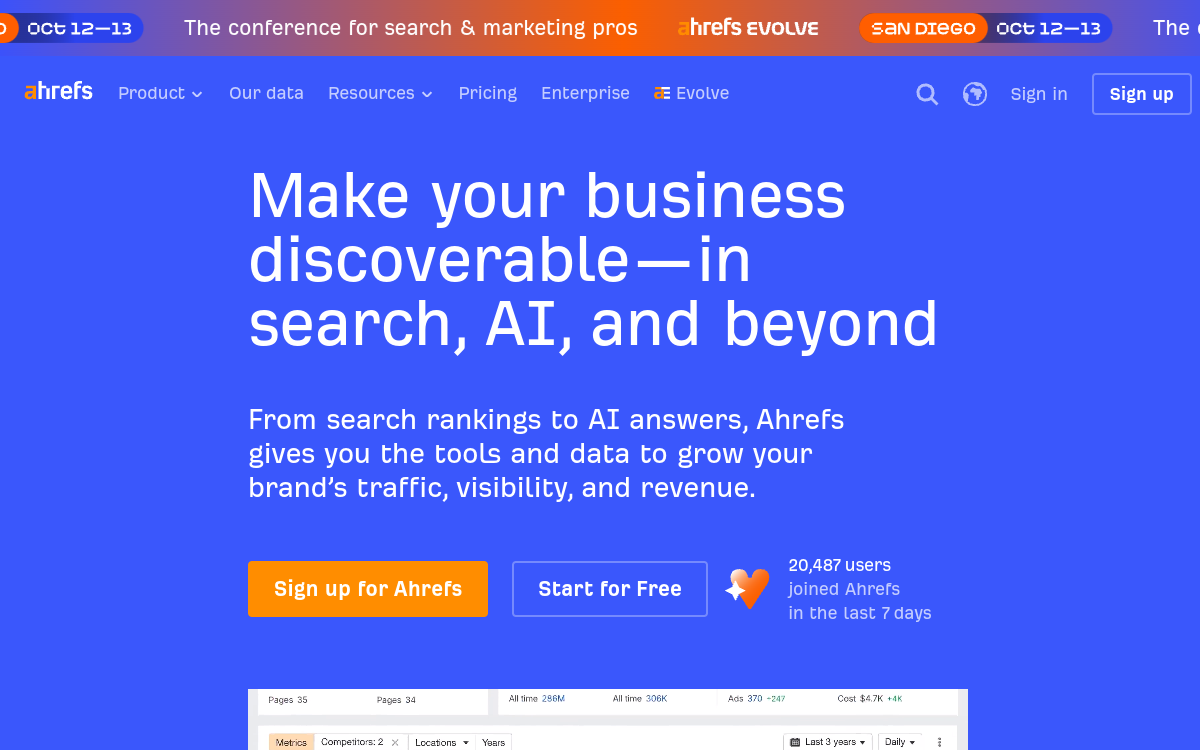
The gold standard for seeing exactly who links to your competitors and why.
Ahrefs is the most aggressive crawler in the industry, trailing only Google in its ability to map the web. It turns the invisible web of backlinks into a searchable database, making it the primary choice for mapping authority in professional services and software markets.
Best for: High-growth B2B companies needing to bridge a massive authority gap with competitors.
Key features
- Site Explorer for analyzing the referring domains and anchor text of any URL.
- Content Explorer to find the most linked-to pages for specific topics.
- Keywords Explorer for calculating keyword difficulty based on actual linking requirements.
- Rank Tracker to monitor daily position changes for high-value commercial terms.
Pros
- ✅ The fastest index updates for new backlinks in the market.
- ✅ Highly accurate “Domain Rating” for quick competitor benchmarking.
- ✅ Powerful filters to isolate “dofollow” links from noise.
Cons
- ⚠️ Credit-based pricing can lead to unexpected costs if you run too many reports.
- ⚠️ The interface feels cluttered due to the sheer volume of data.
How agencies use it
- Plug a competitor’s homepage into Site Explorer to export their entire backlink profile.
- Filter for “Best [Category] Tools” lists where the competitor is mentioned but the client is missing.
- Use the Content Explorer to find “skyscraper” opportunities by identifying outdated but high-traffic guides.
- Track the “Link Intersect” report to find sites that link to three competitors but not to the client.
One detail a power user will notice: the CSV exports are clean, but the Site Audit tool defaults to a limited crawl depth, so you must manually increase the limit to find deep-page 404s on large B2B sites.
How it compares
Ahrefs generally provides more comprehensive backlink data than Semrush, though it lacks the integrated PPC and social media tooling found in that suite.
Pricing
Standard access typically starts around $129/mo, though costs scale quickly as you add more seats or credits. Confirm the latest plan details on their site.
Verdict
Choose Ahrefs if your primary goal is aggressive link building and authority growth. Skip it if you only need basic keyword tracking and don’t have the budget for a credit-heavy subscription.
2. Semrush for multi-channel keyword and competitor insights
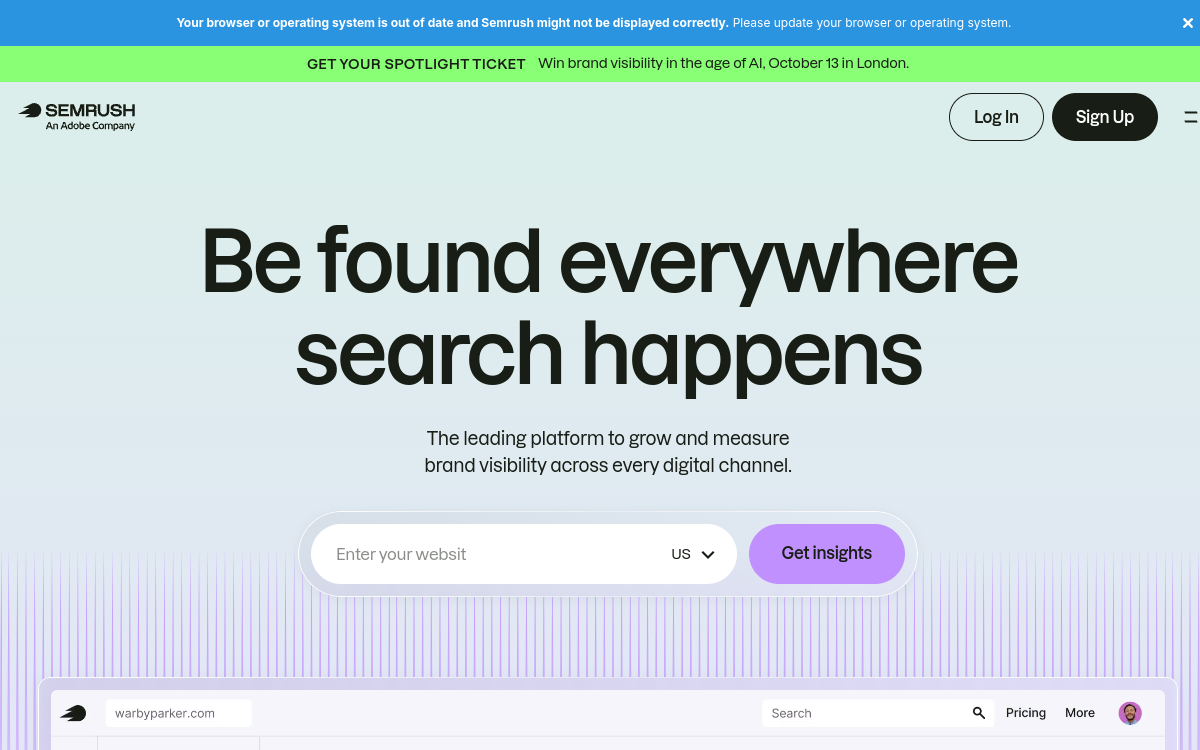
Semrush functions as a Swiss Army knife for teams that need to map out exactly where their competitors are winning in organic search. It excels at turning raw data into a roadmap for content that actually attracts professional buyers.
Best for: SaaS companies and agencies needing a full-stack market intelligence suite.
Key features
- Keyword Gap Tool: Identifies specific terms your competitors rank for while you are invisible.
- Position Tracking: Monitors daily ranking shifts across different countries and specific cities.
- Keyword Magic Tool: Generates thousands of variations from a single seed term to find low-volume, high-intent phrases.
- Site Audit: Scans for technical errors and provides a priority list for fixes.
Pros
- ✅ Massive database for global keyword research.
- ✅ Integrates SEO data with PPC and social media metrics.
- ✅ Strong reporting templates for client deliverables.
Cons
- ⚠️ The interface can feel cluttered due to the sheer number of tools.
- ⚠️ Daily limits on certain reports can be restrictive for large sites.
How agencies use it
- Plug in three main competitors to the Keyword Gap tool to find “missing” topics.
- Filter those results by search intent to separate “how-to” guides from “best tool” comparisons.
- Set up a Position Tracking project to monitor the client’s movement on those high-value terms.
- Export the ranking data to CSV (which usually requires a few clicks to clean up the formatting) for a monthly performance deck.
How it compares
It offers a broader marketing suite than Ahrefs, though Ahrefs often feels more intuitive for deep link analysis. Unlike LowFruits, it focuses on high-volume trends rather than hunting for “weak” forums.
Pricing
Core functionality starts around $139/mo. You should check their current plans as pricing often shifts based on the number of users.
Verdict
Choose Semrush if you need a single platform to handle keyword research and competitor spying. Skip it if you only care about backlinks and want a leaner, more specialized tool.
3. Seobase for automated content generation and CMS publishing
Seobase handles the heavy lifting of content production by merging keyword research with direct CMS publishing. it is a high-velocity engine for teams that need to scale organic traffic without hiring a massive writing staff.
Best for: B2B companies and agencies scaling high-volume, search-focused content.
Key features
- Automated keyword research and content calendar generation.
- Direct CMS publishing for WordPress, Webflow, Shopify, Framer, Wix, and Ghost.
- AI article writing with a built-in editor and approval workflow.
- Multilingual creation and AI image generation to localize content.
Pros
- ✅ Eliminates the “copy-paste” friction between a Google Doc and the CMS.
- ✅ Reduces the manual workload of coordinating writers and editors.
- ✅ Combines research and publishing in one place.
Cons
- ⚠️ AI content still requires a human eye for high-stakes B2B technical accuracy.
- ⚠️ Less focused on deep technical audits than a dedicated crawler.
How agencies use it
- Connect the client’s WordPress or Webflow site to the platform.
- Use the automated research tool to identify high-intent topics.
- Generate articles and use the review mode to polish the AI output.
- Push the content live directly to the CMS with one click.
How it compares
While Ahrefs and Semrush provide the raw data, this tool actually executes the publishing. If you are debating Long Tail Pro vs Ahrefs: which SEO tool wins in 2026?, remember that Seobase fills the gap by turning those keywords into live pages.
Pricing
Check the pricing page for current tiers, as plans are designed to scale based on your publishing volume.
Verdict
Choose this if you are tired of the manual grind between keyword spreadsheets and your CMS. Skip it if you only need data for a small handful of highly curated, manual landing pages.
4. LowFruits for uncovering low-competition long-tail keywords
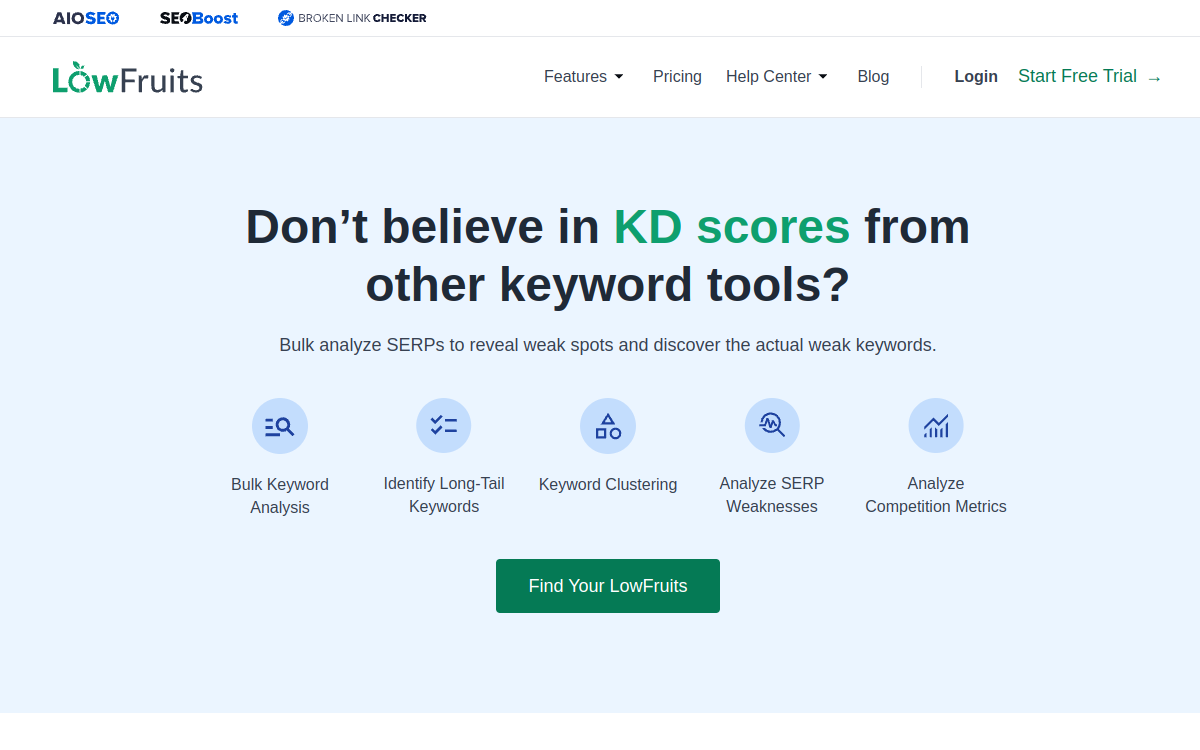
Stop fighting for high-volume terms that a few giant corporations already own. LowFruits finds the “weak spots” in search results by identifying keywords where forums, Reddit threads, or low-authority sites are ranking on page one.
Best for: Finding high-conversion, long-tail keywords with minimal competition.
Key features
- SERP Analysis: Scans the top 10 results to find “weak” signals like forum posts or outdated blogs.
- Keyword Clustering: Groups similar long-tail phrases together to prevent keyword cannibalization.
- Keyword Suggestions: Pulls related queries based on a seed term to expand your content map.
- Difficulty Scoring: Uses its own internal logic to flag terms that are actually winnable.
Pros
- ✅ Finds specific search intent that generic volume tools often miss.
- ✅ Fast way to identify “low hanging fruit” without manual SERP auditing.
- ✅ Lower cost of entry than enterprise suites.
Cons
- ⚠️ The interface feels dated compared to modern SaaS platforms.
- ⚠️ Less robust backlink data than dedicated authority trackers.
How agencies use it
- Plug in a broad seed keyword to generate a list of hundreds of long-tail variations.
- Run the LowFruits analyzer to see which results are dominated by forums or “weak” sites.
- Filter for terms with a high “weakness” score to prioritize the easiest wins.
- Export the filtered list to a content calendar for immediate production.
A real operator will notice that the tool often requires a few seconds to refresh the SERP data for each keyword, so it is better to run large batches in the background than to click through them one by one.
How it compares
It lacks the massive database of Ahrefs, but it beats both Ahrefs and Semrush at pinpointing exactly which keywords a small site can actually rank for today.
Pricing
Entry-level packages start around $21/mo. You should confirm the latest credit limits on their site since pricing depends on how many keywords you analyze.
Verdict
Use this if you need to get a new site ranking quickly by targeting niche, low-competition queries. Skip it if you already have massive domain authority and can compete for head terms.
5. Google Search Console for foundational technical health
Why pay for a third party to guess your traffic when you can get the raw data from the source? Google Search Console is the only place to see exactly which queries b2b customers use to find your site and whether Google actually indexed your latest landing page.
Best for: Every site owner needing a source of truth for indexation and organic performance.
Key features
- Performance Report: Tracks clicks, impressions, and average position for every single query.
- URL Inspection Tool: Requests an immediate recrawl of a specific page after you update a meta tag.
- Core Web Vitals: Flags specific URLs that fail LCP or CLS thresholds on mobile and desktop.
- Sitemaps: Monitors the status of your XML sitemap to ensure no critical pages are blocked.
Pros
- ✅ Zero cost to implement across an unlimited number of domains.
- ✅ Direct data from the search engine rather than estimated third party metrics.
- ✅ Instant alerts for manual penalties or security issues.
Cons
- ⚠️ Data is typically delayed by 24 to 48 hours.
- ⚠️ The interface can feel clunky when managing dozens of separate properties.
How agencies use it
- Filter the Performance report by “Query” to find high impression, low click keywords that need better titles.
- Check the “Indexing” report to identify 404 errors that need immediate redirects.
- Export the query list to a CSV to see which free SEO tools turn search demand into product-led growth by mapping keywords to specific product features.
- Use the URL Inspection tool to verify a page is “Live” after a major site migration.
One quirk operators notice is that the “Export” button in the top right puts data into a Google Sheet or CSV, but it often truncates long lists of queries, forcing you to use the API for full datasets.
How it compares
It provides more accurate indexation data than Ahrefs or Semrush, though it lacks the competitive intelligence and backlink auditing those tools offer.
Pricing
This is a free utility provided by Google. You just need a verified account to access the data.
Verdict
Install this first. If you are not using it, you are flying blind, but do not rely on it for competitor research since it only shows your own data.
6. Clearscope for optimizing content relevance and depth
Clearscope handles the “depth” part of the equation by telling you exactly which terms your competitors used to win the top spots. It is the go-to for agencies that need to ensure a piece of content is topically complete before it ever hits the CMS. Best for: High-ticket B2B agencies managing long-form thought leadership.
Key features
- NLP Content Grids: A real-time list of entities and phrases that the algorithm expects to see based on the top 10 ranking pages.
- Content Grade: A proprietary score that tracks how well your draft covers the required semantic map.
- Keyword Research integration: The ability to pull in search volume and difficulty data directly into the drafting workspace.
- Content Audits: A tool to scan existing live pages and identify gaps where you are missing critical subtopics.
Pros
- ✅ Eliminates guesswork by providing a concrete checklist of terms to include.
- ✅ Forces writers to address the specific intent of a query rather than just hitting a word count.
- ✅ Reduces content optimizers churn because the quality of the first draft is consistently higher.
Cons
- ⚠️ The interface can feel overwhelming for junior writers who just want to write.
- ⚠️ High cost per document makes it expensive for high-volume, low-margin blogs.
How agencies use it
- Create a new project by entering the primary target keyword to generate the semantic map.
- Share the Clearscope editor link with the writer so they can check off terms as they write.
- Run a final “grade” check to ensure the piece covers the necessary depth to compete in the B2B space.
- Export the final optimization report as a PDF to show the client exactly how the piece was engineered for search.
How it compares
It is significantly more precise for on-page optimization than Semrush, but it lacks the broad site-wide auditing power found in Ahrefs.
Pricing
Professional usage typically starts around $189/mo, though costs scale based on the number of documents you need to optimize. You should confirm the current per-document credits with their sales team.
Verdict
Choose this if you are producing high-value B2B content where one “perfect” page is worth more than ten mediocre ones. Skip it if you are running a massive affiliate site that requires churning out hundreds of short product reviews per month.
7. Surfer SEO for data-driven on-page structure planning
Surfer SEO solves the guesswork of content length and structure by scraping the current top results for your target term. It provides a specific word count range and a list of NLP terms based on what is actually ranking. This prevents you from writing a 500 word blurb when the top three competitors have all published 2,500 word guides.
The tool is especially useful for complex service pages where you need to mirror the depth expected by professional buyers. Instead of guessing which subheadings to use, you can build an outline that covers every topic your competitors do.
Pricing and Fit:
- Entry cost: Plans start around $89/mo for the baseline creator tier.
- Best use case: High-competition pages where structural gaps lead to ranking drops.
- Workflow: Use the Content Editor to track your optimization score in real time as you write.
If you need a tool that handles the actual drafting and CMS upload after you have planned the structure, Seobase is the better choice for that specific stage of the pipeline. For raw structural blueprints, stick with Surfer SEO.
8. Screaming Frog SEO spider for deep technical audits

Ever wonder why a site with great content still fails to rank? Screaming Frog finds the invisible technical rot, like 404 errors or redirect loops, that kills your visibility. It is a desktop crawler that mimics how search engines see your site, making it a staple for high-volume B2B sites with complex page hierarchies.
Best for: Technical SEOs managing enterprise sites with thousands of URLs.
Key features
- Crawl analysis: Scans every internal link to find broken pages, duplicate titles, and missing meta descriptions.
- Redirect mapping: Traces redirect chains to ensure users and bots aren’t hitting too many hops before landing.
- API integration: Connects to Google Search Console to overlay click data with crawl status in one view.
- Sitemap generation: Automatically builds XML sitemaps based on the actual crawl results.
Pros
- ✅ Finds technical errors that cloud-based tools often miss.
- ✅ The free version is enough for small sites under 500 URLs.
- ✅ Total control over crawl speed and user-agent settings.
Cons
- ⚠️ Requires a powerful computer; large crawls can eat your RAM.
- ⚠️ The interface looks like a spreadsheet from 1998.
How agencies use it
- Run a full crawl of the client site to identify all 404 errors.
- Export the “Response Codes” tab to a CSV to create a redirect map.
- Use the “Visualisation” tool to map out the site architecture and find “orphan pages” that have no internal links.
- Compare the crawl data against backlinks to ensure high-authority external links aren’t pointing to broken pages.
How it compares
While Google Search Console tells you something is wrong, Screaming Frog tells you exactly where it is and how to fix it. It is far more granular for technical auditing than Semrush.
Pricing
A paid license costs around $259/year, which removes the crawl limit and enables API access. Double check their site for the latest subscription options.
Verdict
Get this if you manage sites with over 1,000 pages or need to perform deep architecture audits. If you only have a five-page brochure site, the free version or basic console tools are plenty.
Building the ultimate hybrid stack for complex sales cycles
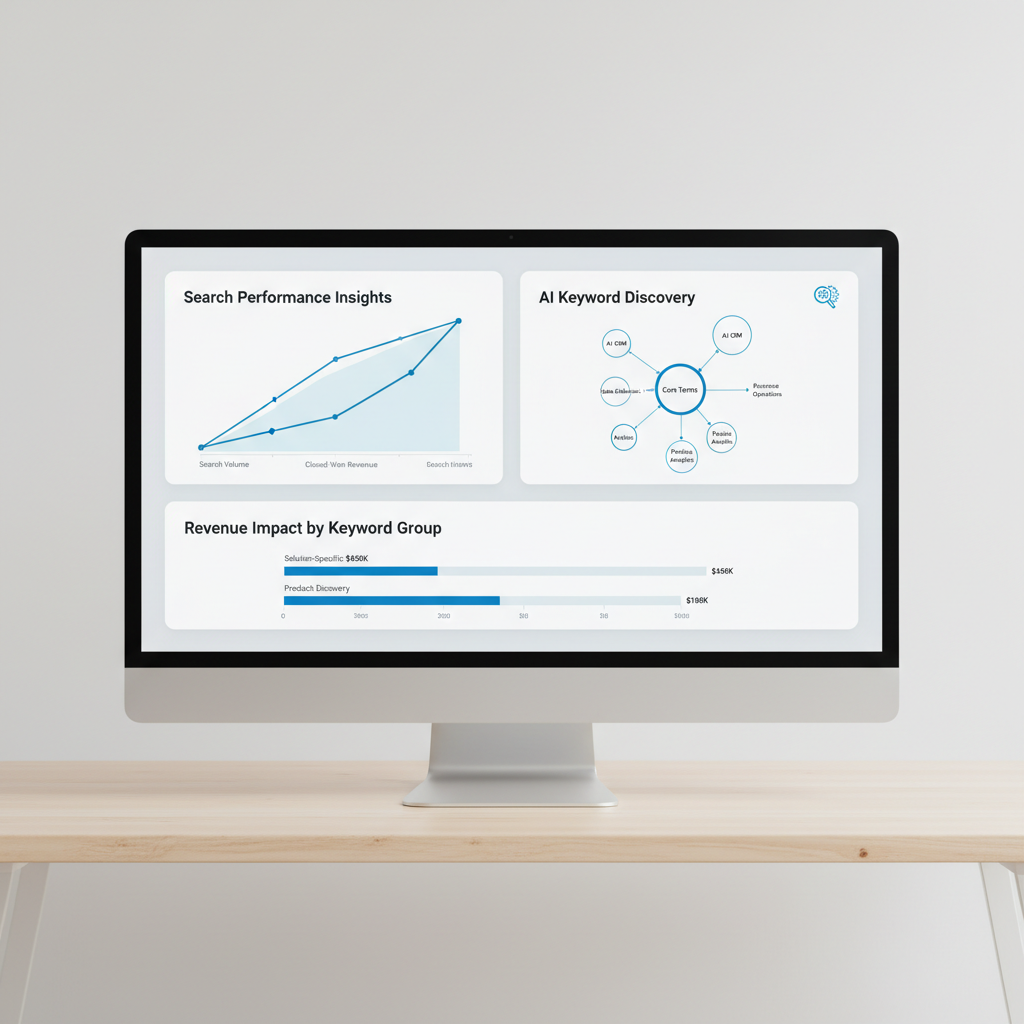
Connecting Search metrics directly to closed-won revenue
Stop tracking vanity metrics like organic traffic and start using multi-touch attribution software. High-ticket sales often involve 6 to 10 touchpoints before a lead converts, meaning a single “last-click” report ignores the blog post that first introduced the buyer to your brand.
By pairing your CRM with b2b intent data platforms, you can see which accounts are researching your category across the web before they ever hit your site. This allows you to scale saas visibility by prioritizing content for users showing active buying signals. Use free SEO tools to map these high-intent clusters without bloating your budget.
Bridging keyword discovery with modern AI Search engines
Traditional backlinks still move the needle, but AI search engines prioritize citations and direct answers. You need a hybrid approach that combines authority builders with AI monitoring tools to track where your brand appears in LLM responses.
| Tool Type | Primary Goal | Example Use Case |
|---|---|---|
| Backlink Giants | Domain Authority | Securing a link from a .gov or .edu site |
| Intent Platforms | Lead Quality | Identifying a Fortune 500 firm researching “cloud security” |
| AI Monitors | Brand Mention | Tracking your product in a Perplexity AI summary |
If you need deep technical audits, use Screaming Frog. If you want to automate your content pipeline and publishing, use Seobase. If you need to track global keyword rankings, use Semrush.
Build your stack now.
Summary of your next steps in b2b Search optimization
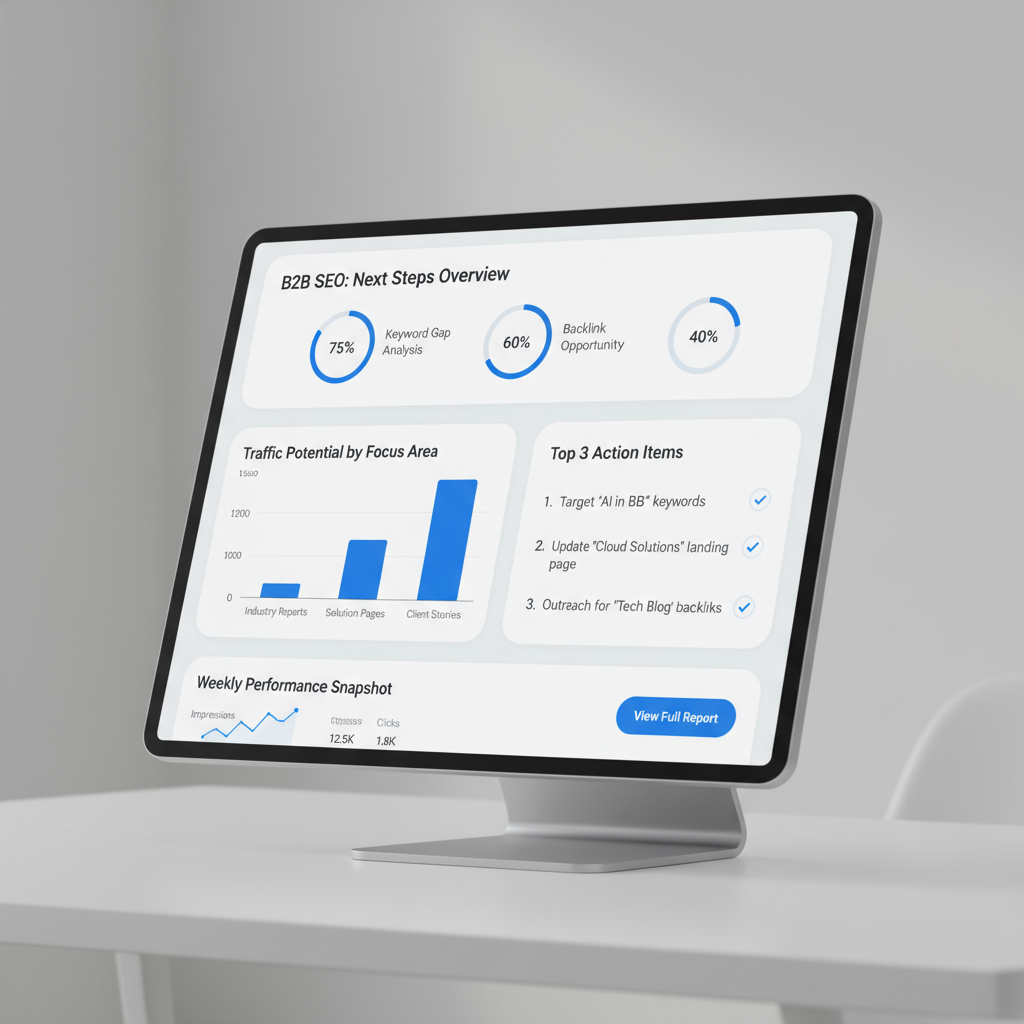
Stop paying for five different subscriptions that do the same thing. Most B2B teams waste budget on overlapping seo tools for b2b when one integrated platform handles the heavy lifting. Audit your stack and cut any tool that doesn’t directly contribute to pipeline revenue.
Shift your energy toward high-intent keywords and automated publishing. Instead of chasing broad traffic, target terms that signal a buyer is ready to purchase. You can use a free content brief generator to map out these topics without spending hours on manual research.
Deploy Seobase to tie your content calendar and backlink growth into one workflow. It replaces the messy spreadsheet approach with a centralized system.
| Action | Priority | Expected Outcome |
|---|---|---|
| Stack Audit | High | Lower monthly overhead |
| Intent Mapping | High | Higher lead quality |
| Seobase Setup | Medium | Faster publishing cycles |
Focus on the metrics that matter. That shift wins.
Frequently asked questions
What makes B2B SEO tools different from consumer SEO tools?
B2B SEO tools prioritize low-volume high-intent keywords, complex stakeholder search behavior, and long sales cycles over high-volume impulse terms. They often include advanced attribution and technical auditing features tailored to multi-decision-maker software purchases.
Should I use both Ahrefs and Semrush for a B2B SEO stack?
Using both Ahrefs and Semrush can be beneficial for enterprise SaaS teams because their crawlers find unique referring domains and offer distinct keyword research workflows, helping catch valuable backlink opportunities that one tool might miss.
What free SEO tools should every B2B company use?
Every B2B company should utilize Google Search Console for monitoring indexation and query performance, Google Analytics 4 for traffic tracking, and PageSpeed Insights for core web vitals optimization without incurring upfront software costs.
How do B2B SEO tools address AI Search and answer engines?
Modern B2B tools focus on entity optimization, schema markup, and tracking brand citations across AI-driven platforms like ChatGPT, Perplexity, and AI Overviews, ensuring your organization appears in conversational search results.
Are free SEO tools sufficient for B2B lead generation?
Free tools like Google Search Console are essential for baseline tracking, but scaling lead generation usually requires paid platforms for deep competitive backlink analysis, keyword gap discovery, and automated content publishing.
How is B2B keyword research different from B2C?
B2B keyword research targets niche operational pain points and specific software categories rather than broad consumer queries, focusing on search terms used by evaluators and decision-makers during long evaluation cycles.
Do B2B companies need specialized SEO tools?
Yes, specialized tools help manage complex technical hierarchies like subdomains and documentation hubs while connecting organic visibility metrics directly to pipeline revenue and CRM attribution data.
How do you track B2B SEO ROI and pipeline impact?
You track pipeline impact by integrating SEO platforms with multi-touch attribution software and CRM systems, allowing your team to attribute closed-won deals back to specific organic keywords and landing pages.
Put this on autopilot
Seobase runs the whole loop for you: it finds the keywords worth ranking for, writes and publishes the articles, and reports back from Search Console on what actually moved.
Start a free Seobase workflowIn this guide
- 1. Ahrefs for enterprise backlink tracking and authority
- 2. Semrush for multi-channel keyword and competitor insights
- 3. Seobase for automated content generation and CMS publishing
- 4. LowFruits for uncovering low-competition long-tail keywords
- 5. Google Search Console for foundational technical health
- 6. Clearscope for optimizing content relevance and depth
- 7. Surfer SEO for data-driven on-page structure planning
- 8. Screaming Frog SEO spider for deep technical audits
- Building the ultimate hybrid stack for complex sales cycles